
Download 4uKey for iOS – unlock iPhone, remove Apple ID, bypass MDM, Screen Time passcode, unlock iPad
Overview
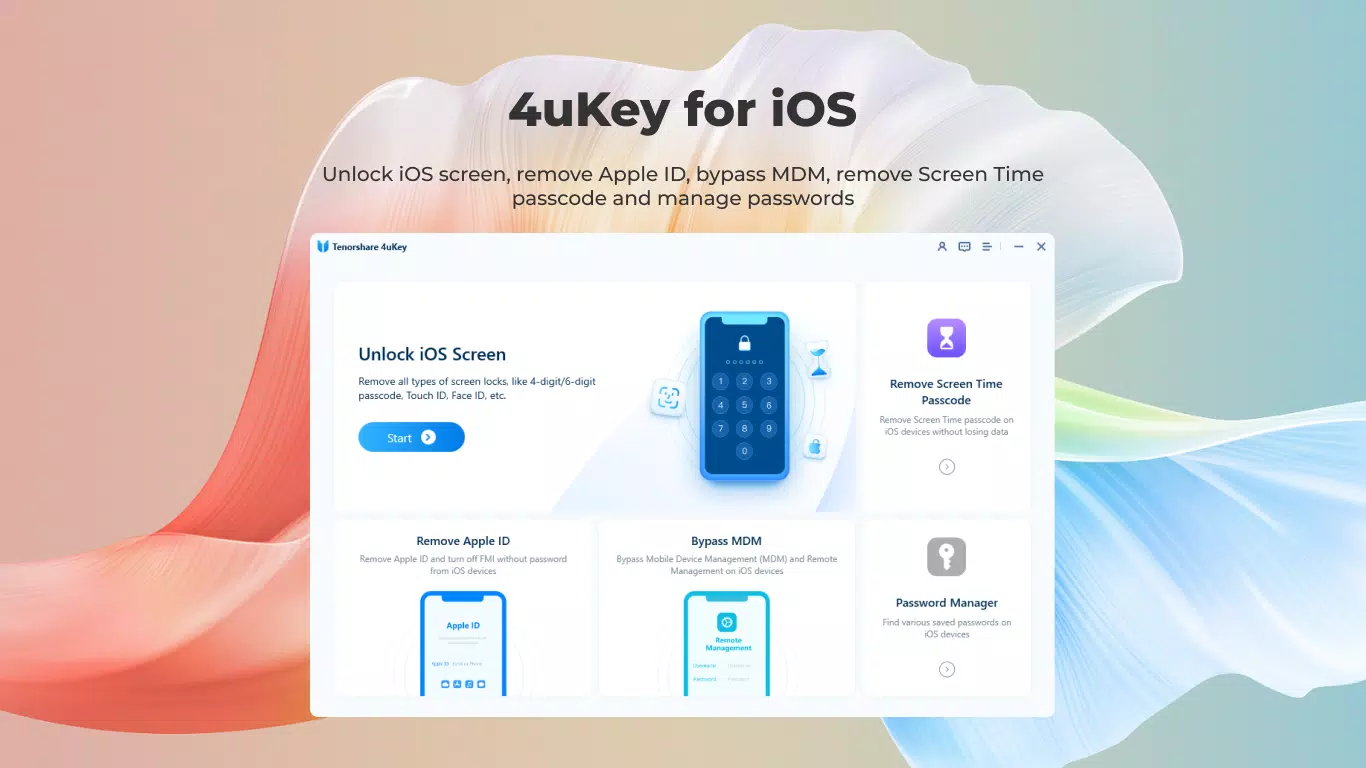
4uKey for iOS, developed by Tenorshare, is a specialized utility designed to address common access challenges faced by iPhone, iPad, and iPod users. The app serves as a comprehensive unlocking solution for devices locked by passcodes, Apple IDs, Screen Time restrictions, or Mobile Device Management (MDM) profiles. Its primary purpose is to restore user access to devices when credentials are forgotten, lost, or unavailable—common scenarios for individuals who have purchased second-hand devices or inherited family gadgets. The app is particularly relevant in productivity and device management contexts, where uninterrupted access is critical.
Target users include consumers, parents managing screen time limits, IT administrators dealing with corporate or educational devices, and anyone encountering account lockouts. The app operates without requiring iTunes or iCloud credentials, offering a direct method to regain control. While Tenorshare is known for its device recovery tools, specific details about the company’s broader history were not provided. Real-world use cases include unlocking a child’s iPad after a forgotten Screen Time passcode or resetting a used iPhone before first use. In the broader app ecosystem, 4uKey fills a niche for secure, device-level recovery tools, especially in environments where Apple’s strict security model limits standard recovery pathways.
Key Features & Functionality
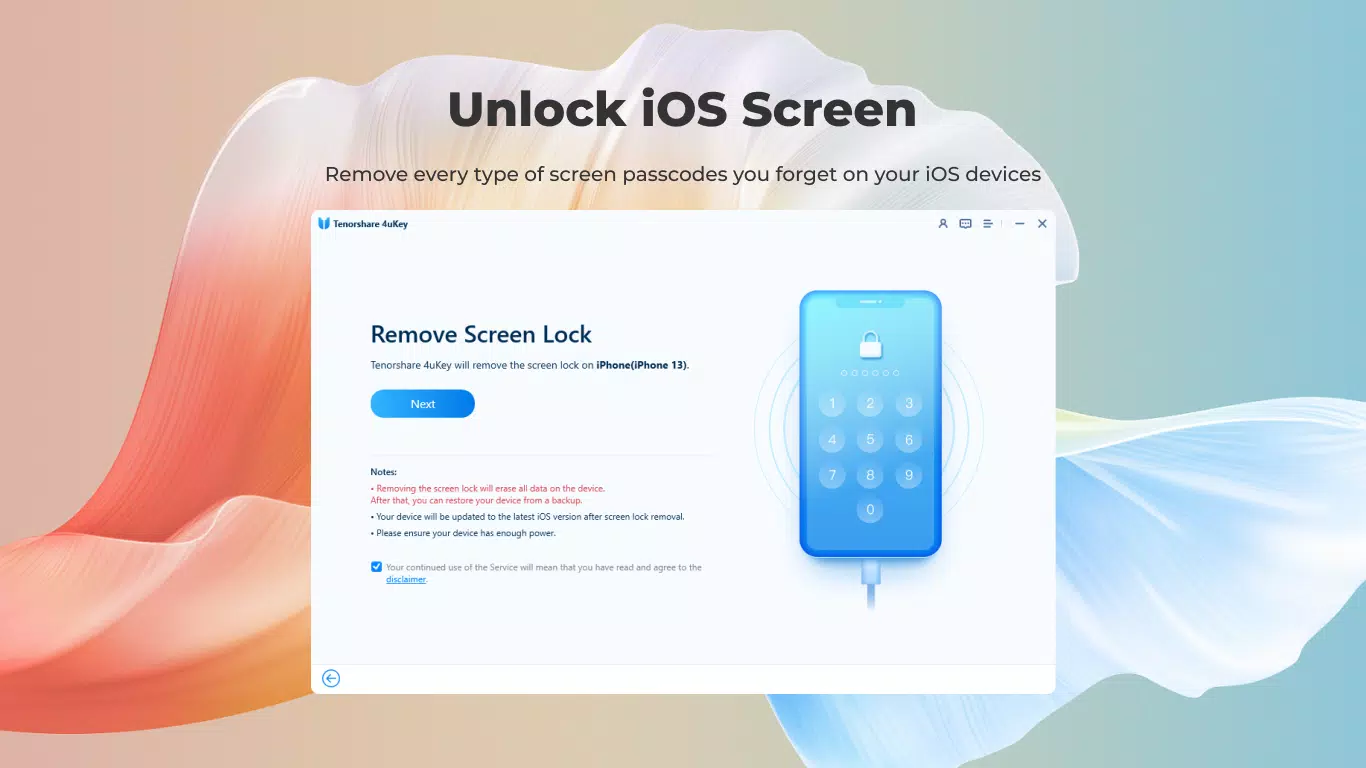
- No Passcode Unlocking: Enables users to bypass numeric, alphanumeric, and biometric locks (Face ID, Touch ID) on iPhones and iPads without data loss. This is ideal for users who have forgotten their passcode or are locked out of their device.
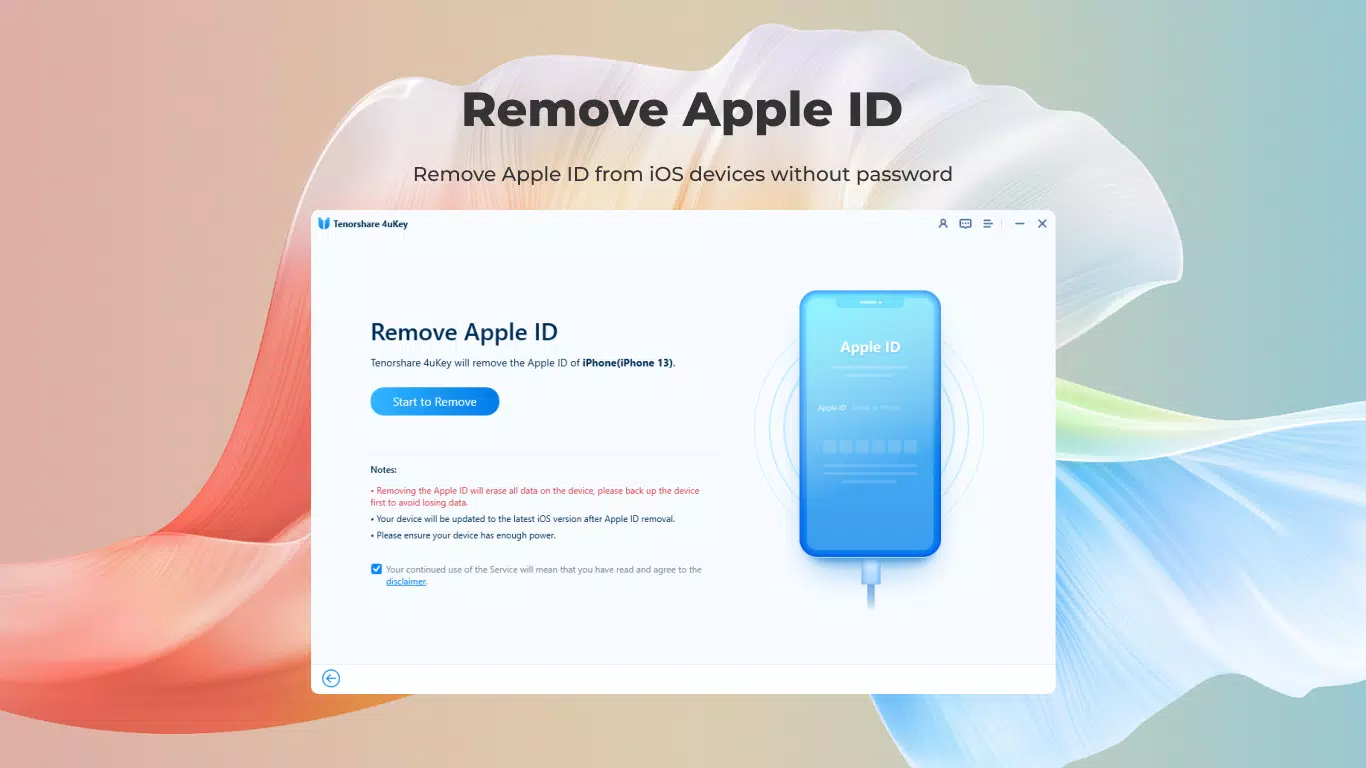
- Apple ID Removal: Allows removal of an Apple ID from a device without the associated password. This is especially useful when acquiring a second-hand device or when unable to sign out due to account issues.
- Screen Time Passcode Removal: Facilitates the removal of Screen Time restrictions without erasing device data, helping parents regain control over device usage settings.
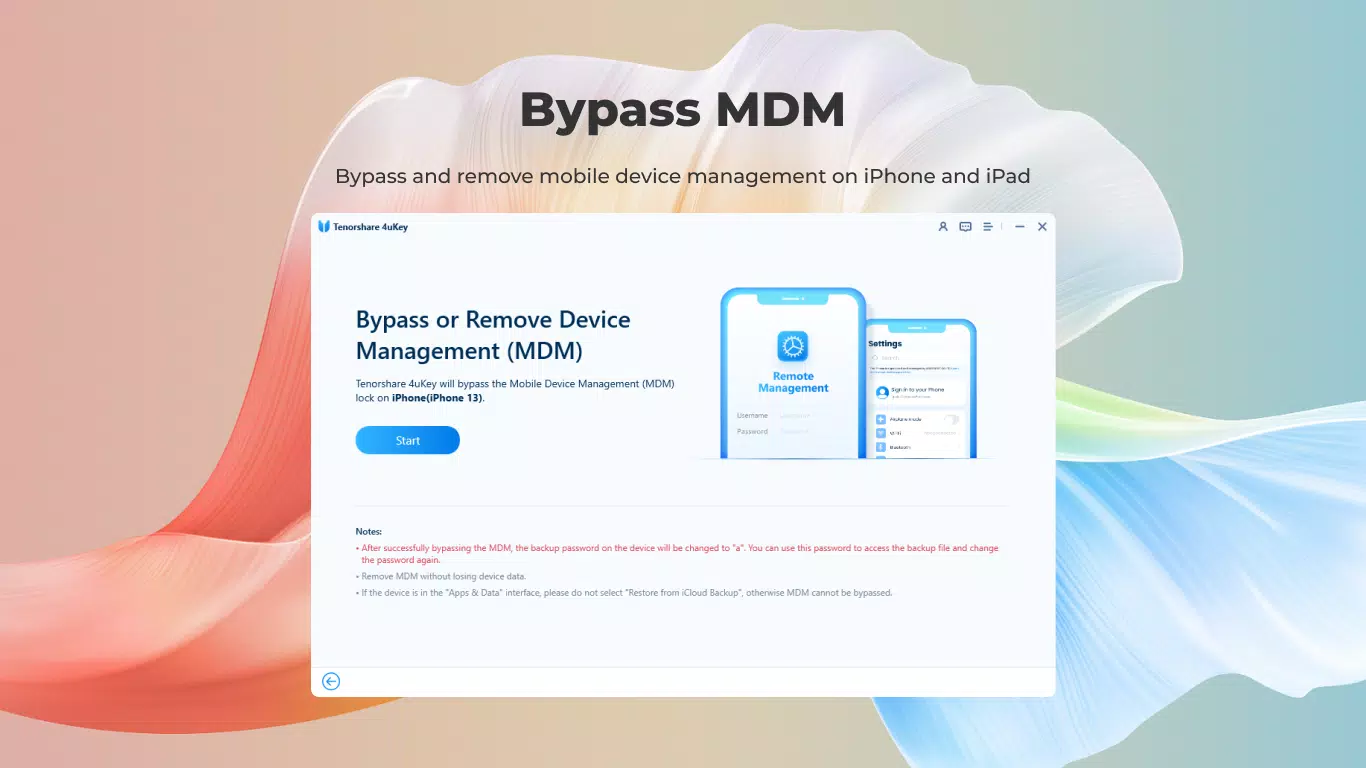
- MDM Bypass: Removes Mobile Device Management profiles that restrict device functionality, commonly encountered in corporate or school environments where devices are locked to specific policies.
- Upcoming Password Management: A future feature will allow users to view stored passwords such as Wi-Fi credentials directly on their iOS device, enhancing usability and convenience.
Each feature is designed to solve a specific real-world problem. For example, a parent can use the Screen Time passcode removal to adjust usage limits without losing photos or messages. Similarly, an IT administrator can use MDM bypass to reset a device for a departing employee. The functionality is streamlined to minimize user effort while ensuring device integrity.
Interface, UX & Performance
The user interface of 4uKey for iOS is designed with simplicity and clarity in mind. The layout follows a step-by-step workflow, guiding users through the unlocking process with minimal on-screen clutter. Navigation is intuitive, relying on clear labels and visual cues to direct users through each stage, from device connection to final unlock confirmation.
Visual style is clean and functional, with a focus on usability over decorative elements. The app avoids unnecessary animations, prioritizing responsiveness and stability. Although the developer did not list formal performance metrics, the app appears optimized for smooth operation on supported iOS devices. It maintains consistent responsiveness across various device categories, including iPhone and iPad models, without noticeable lag or crashes.
Performance is further supported by a stable connection protocol with iOS devices, ensuring reliable execution during critical operations. The app handles device authentication securely and efficiently. Stability is maintained through tested workflows, and no reports of data corruption or unintended side effects were noted in the provided information.
Platform Compatibility & Technical Requirements
4uKey for iOS is designed exclusively for Apple’s mobile operating system, supporting iOS devices including iPhones, iPads, and iPods. The app is available in version 1.2.1 and has a file size of 134.5 MB. The developer did not specify minimum OS requirements or compatibility with older iOS versions.
Users should ensure their device is running a supported version of iOS to avoid potential issues. While the app is compatible with the latest Apple hardware, compatibility with legacy models was not confirmed. The app does not require root access or jailbreaking, operating through standard device connections. No additional permissions beyond device access were listed in the provided details.
Pros and Cons
Pros
- Efficiently removes passcodes, Apple IDs, and Screen Time restrictions without data loss.
- Supports the latest iOS devices and operating systems.
- Provides a secure, direct method to bypass MDM profiles.
- Simple, guided interface reduces user error during complex operations.
- Future password management feature promises enhanced utility.
Cons
- Price point of $19.99 may be considered high for casual users.
- Specific compatibility details with older iOS versions were not disclosed.
- Requires a physical connection to a computer for operation.
- Does not support cloud-based recovery without external hardware.
- May raise privacy concerns for users unfamiliar with device-level unlocking tools.
FAQ
Is 4uKey for iOS safe to use?
Yes, the app is designed to operate securely and does not compromise device integrity. It does not require jailbreaking and is intended for legitimate use cases such as forgotten passwords or second-hand device setup.
Can I use 4uKey on multiple devices?
Yes, the license allows use across multiple iOS devices, though specific terms may vary based on the purchase agreement.
Do I need a computer to use 4uKey?
Yes, the app requires a physical connection to a computer via USB to perform unlocking operations.
Will using 4uKey delete my data?
No, the app is designed to remove locks without erasing personal data, including photos, messages, and app data.
Is 4uKey compatible with the latest iOS updates?
Yes, the app supports the latest iOS versions as of its release date, though compatibility with future updates may depend on developer updates.
Final Thoughts
4uKey for iOS stands out as a powerful, specialized tool for users facing access barriers on their Apple devices. Its ability to unlock passcodes, remove Apple IDs, bypass MDM, and manage Screen Time restrictions makes it a valuable asset in both personal and professional environments. The clean interface, secure operation, and data-preserving functionality ensure a reliable experience for users who need quick, effective solutions.
While the $19.99 price may deter some, the app’s targeted utility justifies the cost for frequent users or IT professionals. Parents, second-hand device buyers, and administrators will benefit most from its robust feature set. For those seeking a secure, efficient way to regain access to locked iOS devices, 4uKey delivers a strong value proposition.
Download 4uKey for iOS now


